FREE K–8 CHRIST-CENTERED CURRICULUM

A complete Christ-centered curriculum. Free to download.

Mathematics, language arts, science and history — print it and teach it at no cost. Then the app makes it stick: a teacher who walks through each lesson, practice built on that exact page, drills that build fluency, and educational games children actually want to play.

  • No credit card
  • Yours to keep and print
  • Works with the workbooks you already own
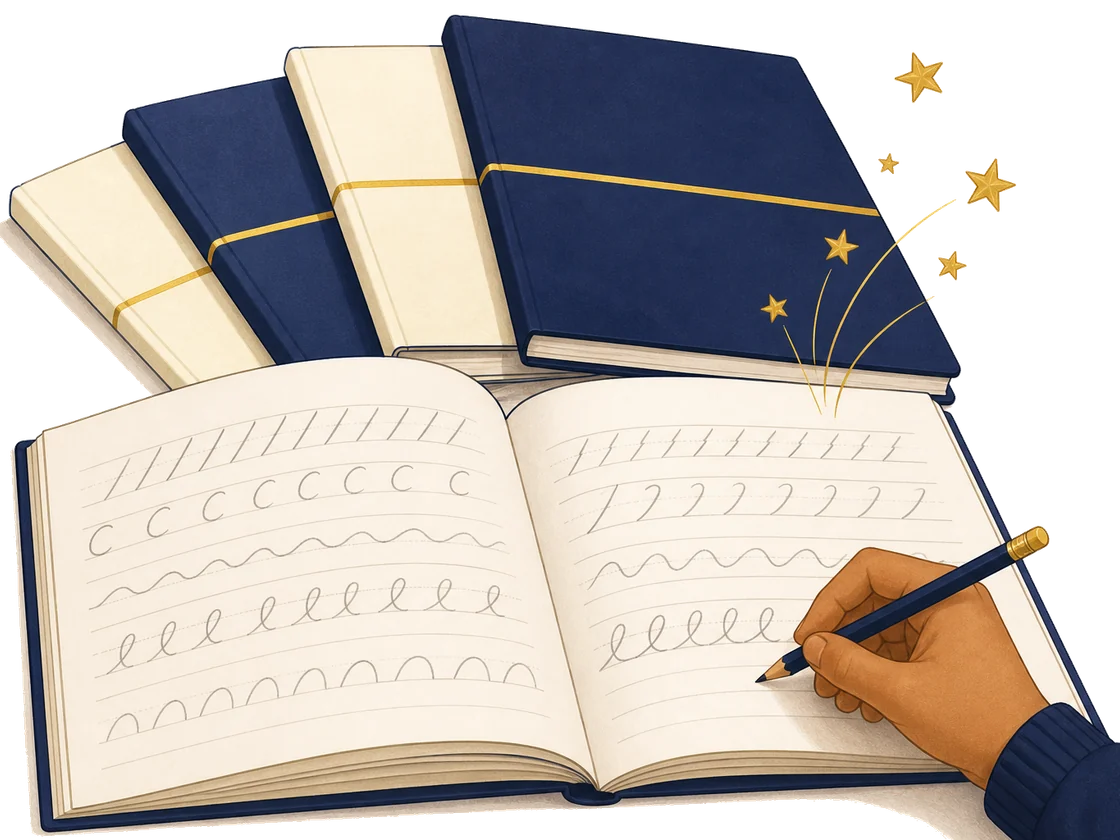
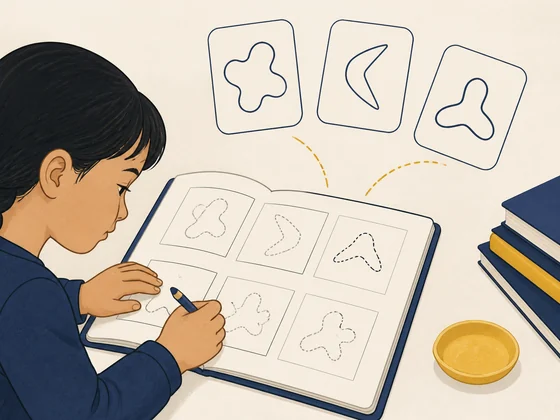
An open printed workbook with a pencil resting on the page
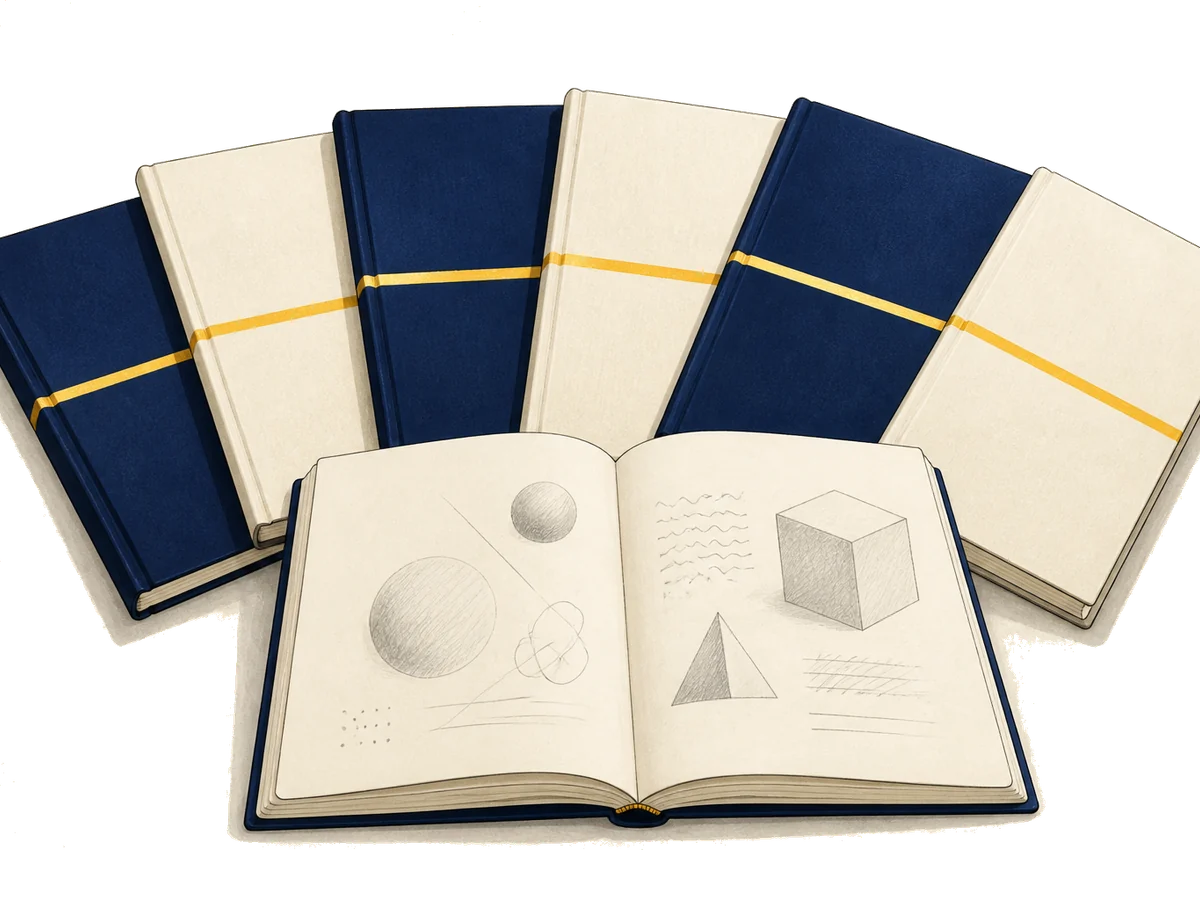
A family of printed workbooks fanned out, one lying open at the front

WHY WE BUILT OUR OWN

Two plus two has one answer.

We started writing our own curriculum because we could not find what we wanted to hand our own children: a classical, distinctively Christian course that teaches arithmetic like it has answers, holds language arts to the Trivium rather than worksheets, and treats Scripture as the ground the whole subject stands on rather than a unit bolted to the end.

Somewhere along the way, showing your work turned into choosing among a dozen strategies. We teach one clear method, to mastery, and then build on it — spiral review that returns to earlier skills on purpose, pencil on the page, K through 8.

  • One method, taught to mastery. Not ten ways to reach the same answer before a child is fluent in any of them.
  • Free, and it stays free. No new edition every few years at a higher price, with last year's copy declared obsolete.
  • A standard that does not move. When a student places at a level here, that level means what it meant last year.

What is genuinely new is the help around the page — a teacher who walks through the lesson, practice on that exact skill, drills for fluency, educational games. Technology serving the book, not replacing it.

Get the free curriculum Print at home today. Bound copies, shipped to your door, are coming.

One page of the workbook. Four ways to make it land.

  1. Open the page you're on

    Enter the lesson code printed in the workbook corner.

  2. Let a teacher walk it through

    A walkthrough of the method the page is teaching, so you are not the one improvising it.

  3. Practice, then drill

    Guided practice first, then drills until recall is automatic.

  4. Spend what you earn

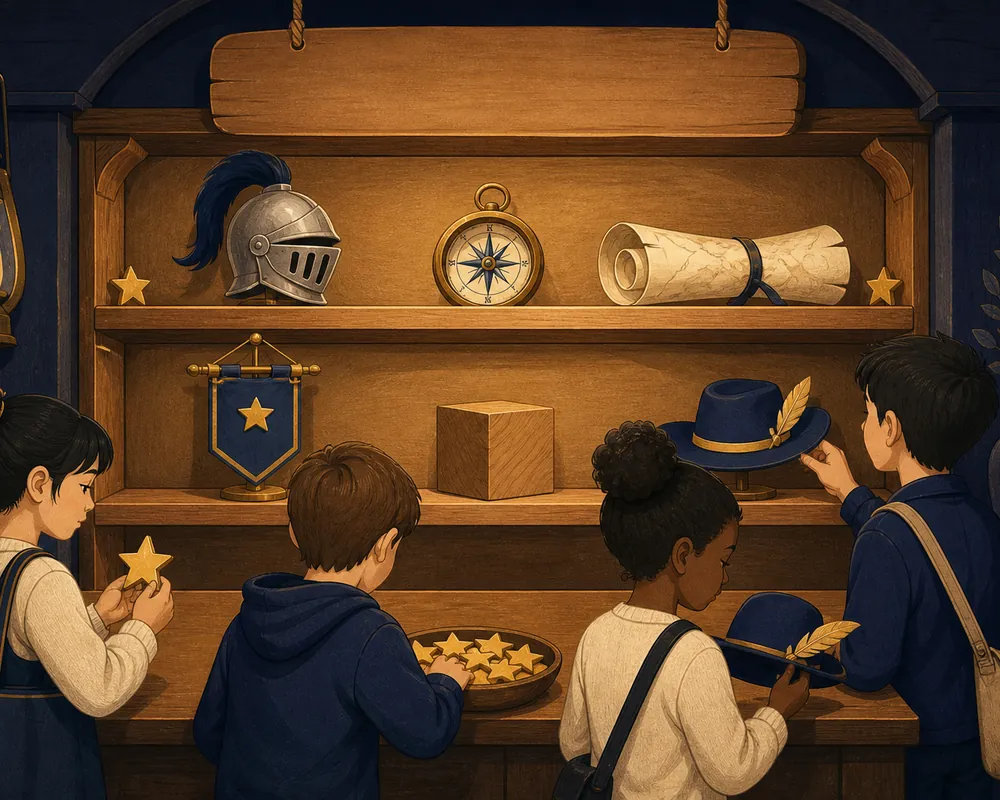
    Stars bank as you go, then buy in the Star Store.

The workbook 01 Open the pageyou're on 02 Let the teacherexplain it 03 Practice,then drill 04 Spend whatyou earn

INSIDE THE HIS PODS APP

Four ways the app makes it stick.

The curriculum is free forever. These four — plus stars, the Star Store and PathFinder placement — live in the HIS Pods app: free for 7 days, then $6.50/month for one student or $12.50/month for up to five at founding-family rates. Cancel any time.

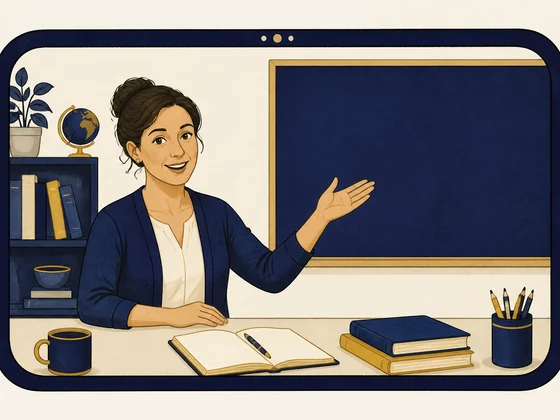
  • A friendly teacher mid-explanation, gesturing toward a slate inside a rounded video window.

    A teacher to walk through the method

    Instruction that shows how the skill on the page is actually worked, so a parent who is unsure of the method never has to be the expert.

  • A workbook page with a gentle arc of practice cards being dealt above it.

    Practice tied to the page

    Extra problems on the exact skill in that lesson, with hints that cost a star rather than give the answer.

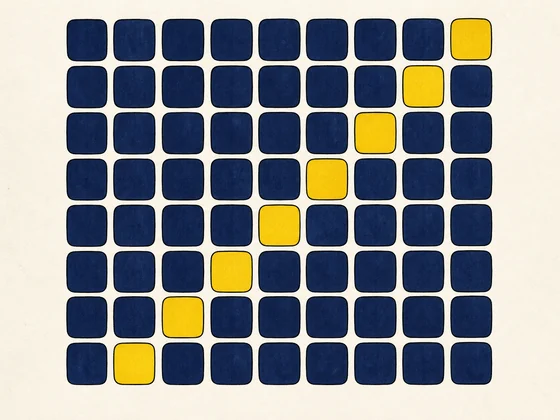
  • A rhythmic grid of small navy tiles with a diagonal run of gold ones, like a streak of correct answers building.

    A drill library that goes deep

    Fluency across math facts, phonics blending, Latin paradigms, and grammar — short, repeatable, tracked.

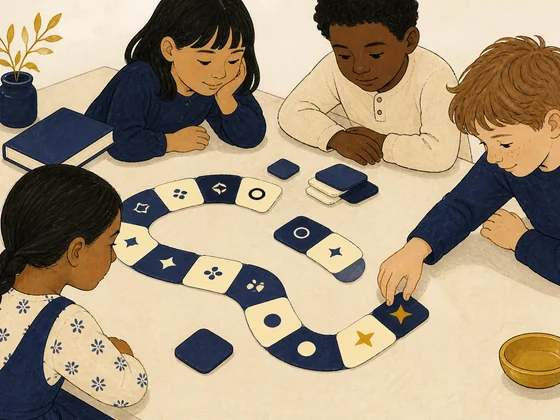
  • A stylized handheld device with a geometric maze on its screen and a gold star at the maze center.

    Educational games they choose on their own

    Educational games built on the same skills, so the reward for finishing the work is more of the work in disguise.

The part that brings them back tomorrow.

Stars are earned per problem, scaled to difficulty, with bonuses at skill mastery and every level-up. They bank in three tracks: a lifetime total that never falls, a spendable wallet, and milestone unlocks that cannot be bought at any price.

  • 1–10 per problem
  • +25 skill mastery
  • +30 level up

Grade-graduation levels pay +100 . Hints halve the award rather than blocking it.

A warm wooden Star Store shelf stocked with rewards — a knight's helm, a compass, a rolled map, a banner, a wooden cube, and a hat — with a dish of gold stars on the counter.

Not sure where to start? Find out in one sitting.

Optional, and useful. PathFinder tells you which page of the printed curriculum to open first, and which specific lessons close the gaps it finds — so you are not guessing at a starting point or re-teaching what your student already knows. Schools use the same assessment to track progress across a year.

  • ~20 min one sitting, typically
  • Exact page where to start
  • Gap lessons named for you
Take the placement

Email me the full placement report

The test stays free and anonymous — the printable report costs an email.

You choose who drives.

Lane A · Adaptive

Start with placement

PathFinder finds their Cadet Level in about twenty minutes. From there the app builds the pathway and keeps adjusting as mastery grows — strong students are not held back, students who need another pass get one.

Best for: families who do not know where their student actually is, or who want the app to lead.

Lane B · Companion

Start with your lesson

Type the lesson code printed on the workbook page you are open to. You get that lesson’s teacher video, its practice set, its drills, and the educational games built on the same skill.

Best for: families already running the printed curriculum on their own schedule, and anyone using the free downloads.

Switch lanes any time. Stars, Cadet Level, and progress follow the student, not the mode.

Two lanes into one star wallet Diagram: two starting lanes — “Start with placement” (the adaptive lane) and “Start with your lesson” (the companion lane) — converge with arrows into a single shared node labeled “One star wallet”, where stars, Cadet Level, and progress accumulate whichever lane the student uses. LANE A · ADAPTIVE Start with placement LANE B · COMPANION Start with your lesson One star wallet Stars · Cadet Level · progress
Both lanes reach the same content and bank to the same star wallet.

Reaching further than tuition can.

HIS Pods, Inc. is a 501(c)(3) whose flagship campus sits in Jaco, Costa Rica. Giving funds Christian teachers, scholarships for families who cannot pay, and the next campus. It is also why the curriculum above is free.

  • Support a teacher
  • Sponsor a scholarship
  • Plant a campus
Give today

FAQ

Is it really free? What’s the catch?

There is no catch — HIS Pods, Inc. is a 501(c)(3) nonprofit, and giving is what funds the mission, so the complete course books really are free to download, print, and teach. The paid things are named plainly: the companion app, printed-and-bound workbook sets, and the school platform. The free curriculum stays free whether or not you ever buy any of them.

What does the app cost after the trial?

Every account starts with a free 7-day trial — no card required to begin. After that, founding-family pricing is $6.50/month for a single student or $12.50/month for a family of up to five (50% off the standard $12.99 and $24.99), locked in for as long as your subscription stays active. Annual plans are $65/year and $125/year — two months free.

Is every subject Christ-centered, or is Bible bolted on?

Integrated from the inside, not bolted on. In the Grade 3 lesson on what division means, students end at Matthew 14:19 — when Jesus fed the five thousand, the bread was broken and shared equally, so division becomes the math of fair sharing. Word problems across the curriculum draw on biblical settings alongside everyday life.

What grades do you cover?

Kindergarten through eighth grade, with each student placed by actual readiness rather than birth year. It is a full course of study, not a math supplement: mathematics, language arts, science, and history — language arts on the classical Trivium, with grammar recitation, Latin, spelling, vocabulary, reading, and composition, and sentence diagramming from Grade 4. Every subject is included in one subscription; new courses are added at no extra cost as they ship.

How much screen time does this add?

Less than you might think, because the book leads and the app serves the book. A typical day is the teacher video for the exact page your student is on, guided practice, and a short drill — then the screen closes and the pencil work continues. It is a companion to paper, not a replacement for it.

Can our co-op or church print for a group?

Yes — families, co-ops, and churches may print the free curriculum for their own students, in as many copies as your group needs. The one line we draw is commercial resale: the materials may not be sold.

What devices does it run on?

HIS Pods runs in the browser, so it works on what you already have — a laptop, Chromebook, tablet, or phone. There is nothing to install and nothing to update: sign in and the day’s page is waiting.

How does placement work — and can we retest?

PathFinder is a three-tier assessment that places your student at a precise Cadet Level from 0 to 99 in a single sitting — typically about twenty minutes — a starting point measured by readiness, not birthday. You can retest each term, turning that first baseline into a growth curve you can actually show someone. Take the placement to see where your student stands.